Generate an Overdue Materials report
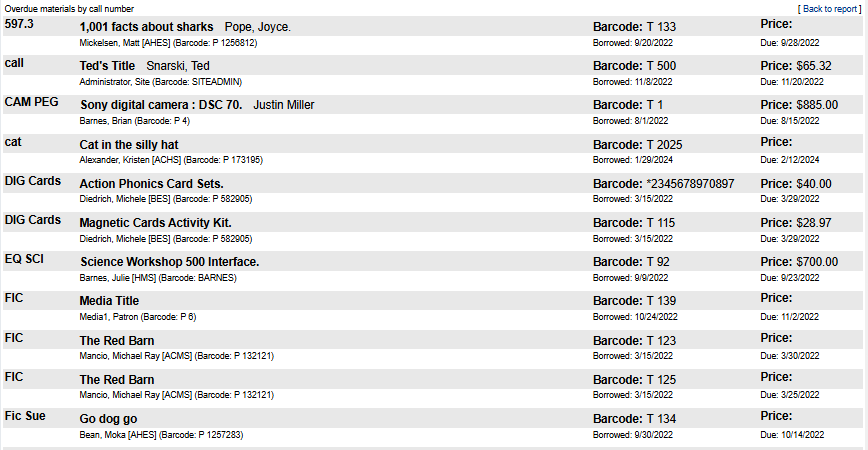
Run an Overdue Materials report to see a list of titles, barcodes, prices, and due dates.
To generate the report:
- Select Reports > Patron Reports..
- Under Circulation, click Overdue Materials. The report appears.
- To export the file to Excel, at the top of the page, click Export to Excel®.
Report Contents
For each copy, the report includes the following information:
- Call Number
- Title
- Patron name and barcode
- Copy barcode
- Price
- Due date